By closing a confirmation order that contains items from the catalog, an outlet in the assigned quantity is booked in the stock monitor of the respective item. Thereby if a new order becomes necessary, the order assistant takes care of this, as previously described. In the stock monitor, the ordered quantity is indicated. In order have access to the incoming goods, you open the order and switch to the item view. In the last column of each catalog item, the acquisition is to be registered. By double-clicking on the field, the dialog window for the inventory opens for you to register the delivered quantity.
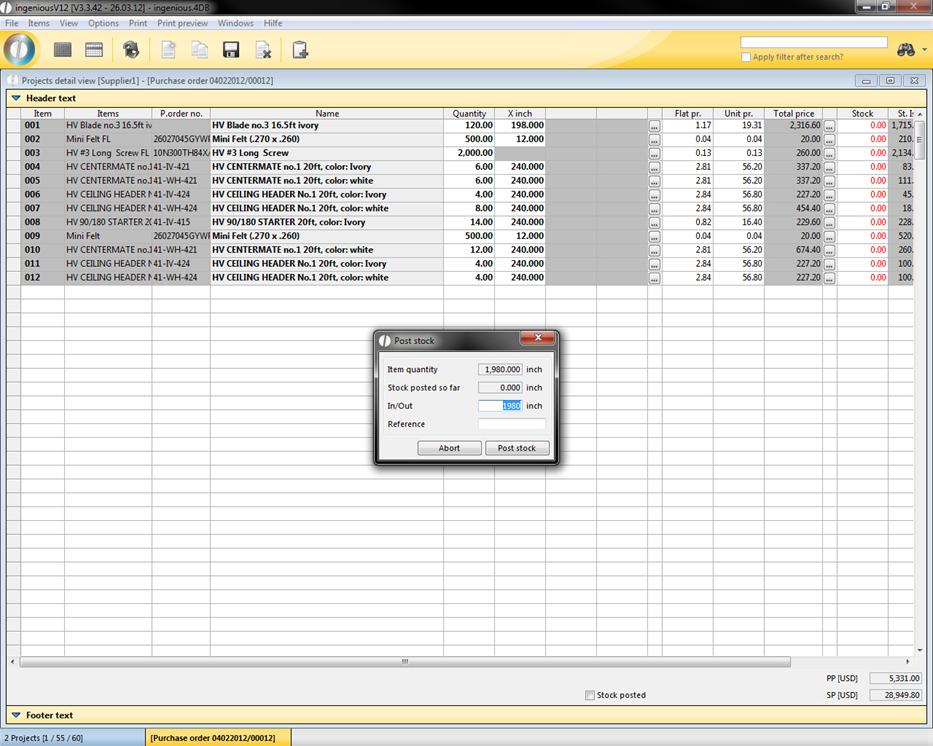
Entry of incoming goods
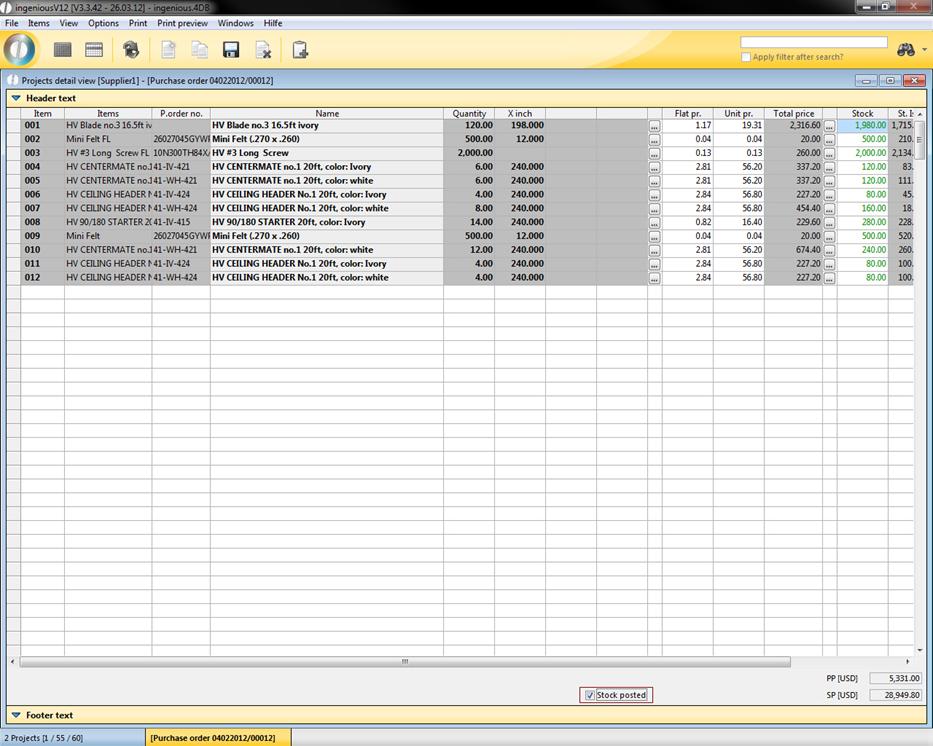
If all items were delivered, then the incoming goods can be accessed at once. For this, only the marking of the field, “Stock posted” is necessary. With the storing of the changes in the order, the addition is noted in the stock monitor of the item.
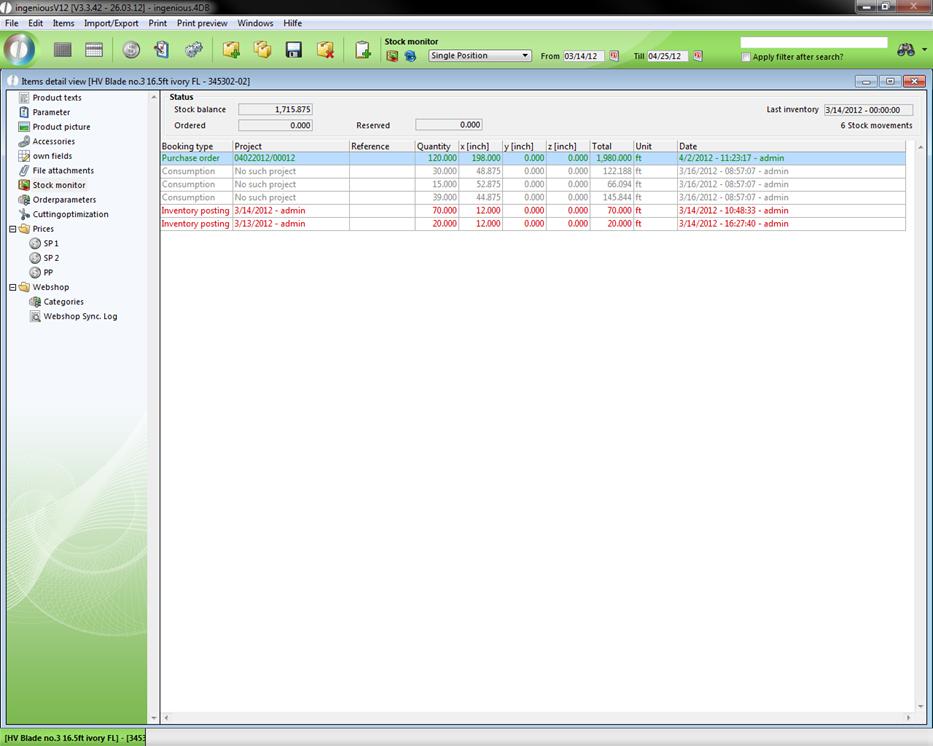
View of inventory movement
The new status is calculated and is available for the next reviews. In the order itself, the delivery status is indicated in miscellaneous.
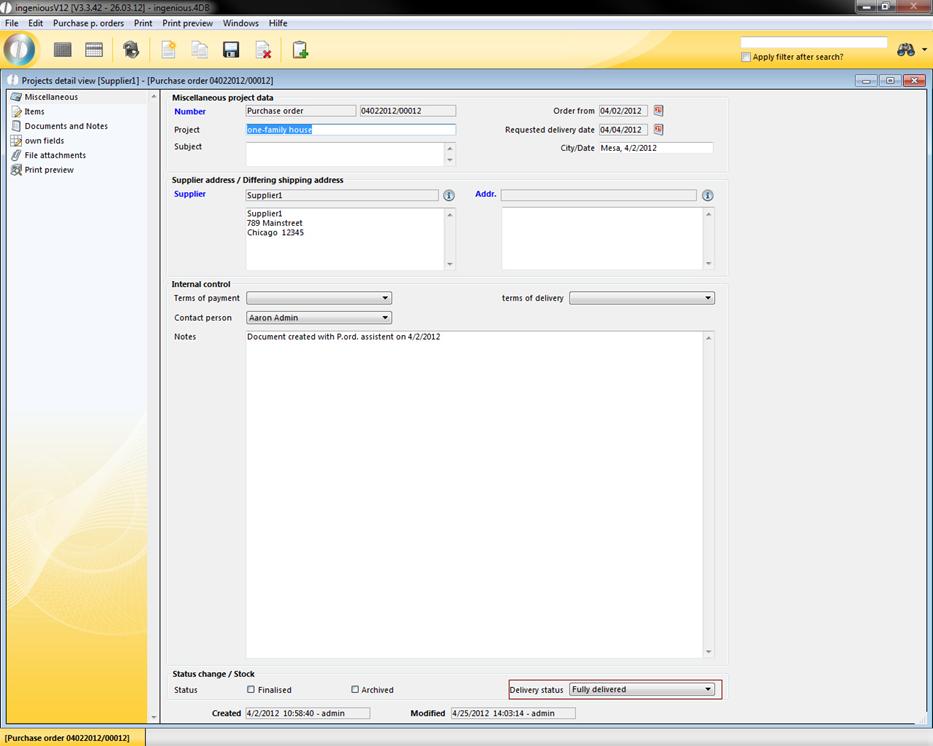
Delivery status